
Jai Club Customer Care: Getting Help With Your Account
You reach Jai Club customer care inside the app. Log in, tap Account at the bottom, and open Customer Service under the Service center. The app does not list a phone helpline, so use this chat for deposits, withdrawals, login trouble and bonus questions.
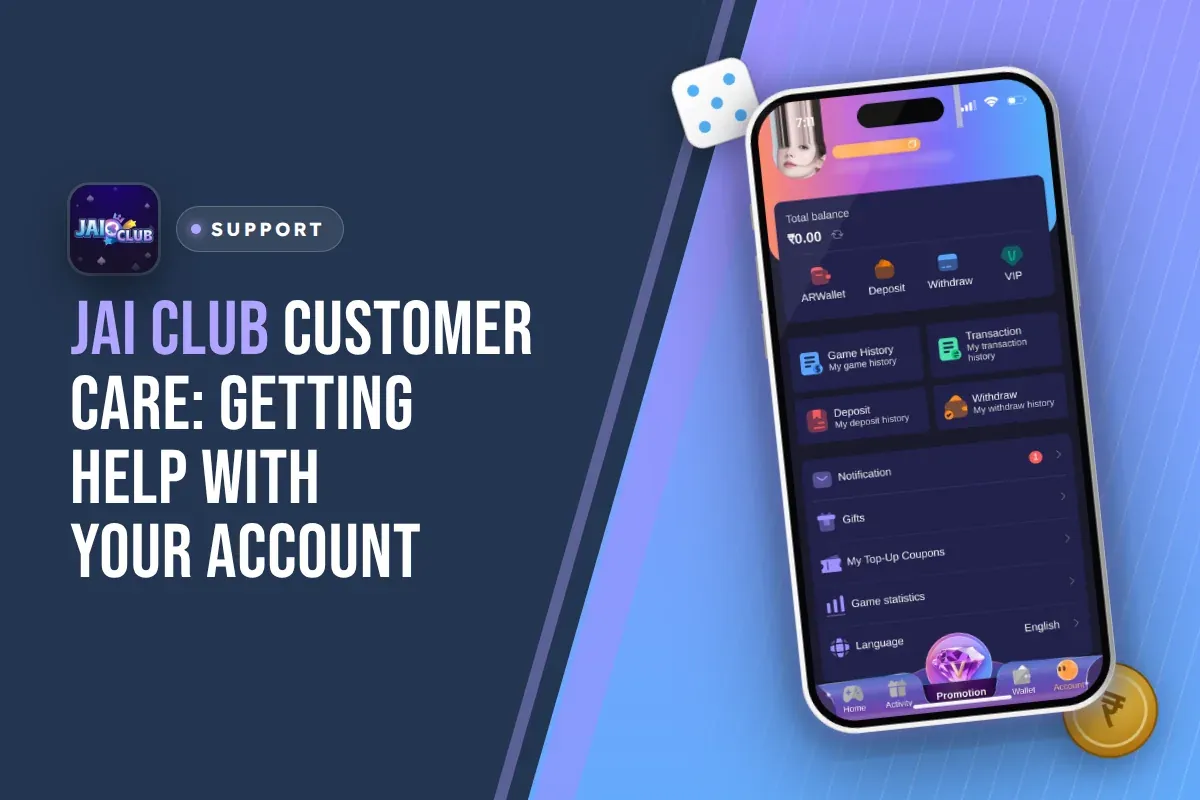
Most delays happen because the first message is missing details. Send the order record, the exact amount, the time and a screenshot of your UPI payment in one message. Support can then check your case without asking you for each detail again.
The most important rule: Jai Club customer service never sends links to members. If someone sends you a link and says they are from support, they are not from the platform. Do not click it.
- Main Help Channel
- In-app Customer Service
- Where To Find It
- Account, then Service center
- Phone Helpline
- Not listed; use the app
- Password Reset
- Forgot password with OTP
- Agent Questions
- Agent line customer service
- Invite Code
- 385987864126
Jump To Section
How To Contact Jai Club Customer Care In The App?
Customer Service sits in the Service center on the Account page, along with Settings, Feedback, Announcement, Beginner's Guide and About us. You need to be logged in, because support needs to see which account you are writing about.
Before you write, open your Deposit history or Withdraw history first. Then you can copy the right record into your message straight away. A player who writes only "my money is missing" and nothing else will just get questions back, and that costs time.
- Open the app or the mobile website and log in with your registered phone number or email address.
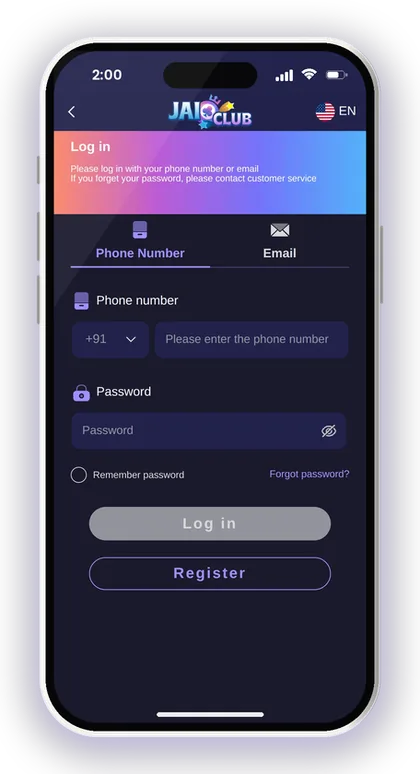
- Tap Account in the bottom menu.
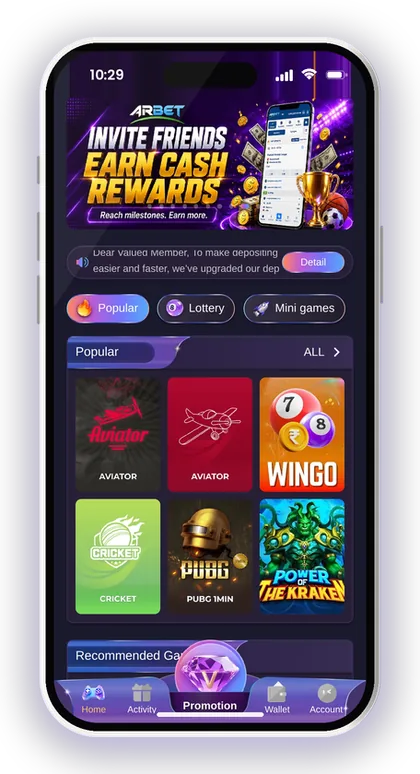
- Scroll down to the Service center.
- Tap Customer Service to open the support window.
- Write your problem in one clear message and attach your proof.
- Come back to the same window to read the reply and answer any follow-up questions.
Is There A Jai Club Customer Care Number?
No phone number for customer care is shown anywhere in the app. Help is given through the Customer Service option in the Service center, and that is the channel you should use.
This matters because fake "helpline numbers" are a common trap with real-money apps. A number found on social media or in a random search result is not something the platform has published. If a stranger on a call asks for your OTP or password, hang up. The real support team works only inside your account.
Customer Service, Feedback Or Announcement: Which One?
Use Customer Service for any problem that involves your money or your account, such as a missing deposit, a stuck withdrawal or a locked login. Feedback is for suggestions and general comments, so do not expect it to fix an urgent payment.
Announcement is worth a quick look before you message anyone. Notices about deposit upgrades or safety warnings appear there and on the homepage. If a payment method is being changed, the notice may answer your question before you even open a chat.
Smart Tip: Write all your details in one message instead of sending five short lines, so the agent sees the full case at once.
What To Keep Ready Before You Message Support
Payment problems get solved faster when support can match your message to one record in the system. For anything about money, collect these details first. Every item below can be found in the app or in your UPI or crypto wallet.
For a USDT problem, the transaction hash is the key proof. It lets anyone check the transfer on the blockchain, so copy it from your crypto wallet before you contact support.
- The phone number or email you registered with
- The order number from Deposit history or Withdraw history
- The exact amount and the time of the transaction
- A screenshot of the UPI payment showing the UTR or reference number
- For USDT, the transaction hash id and the network you used
- For withdrawals, the bank account or UPI ID you linked
Smart Tip: Take the payment screenshot as soon as your UPI app shows success. Bank SMS and app notifications can be hard to find later.
Deposit Not Credited: How Support Can Help
Missing deposits are the most common reason players contact support. Most of them come from one of three mistakes: paying an amount different from the order, cancelling the order after paying, or paying after the order timer ran out.
The recharge steps on the Jai Club deposit page apply to all three. Whatever you transfer has to be the same as the amount on the order you placed. Once the money has left your account, do not cancel the order. If the transfer window expires, you will have to submit the deposit form afresh.
What To Do If A UPI Deposit Does Not Show
First, check Deposit history to see if the order is still pending. Then confirm in your UPI app that the money really left your bank. If both are true, send support the order number, the amount and the UTR screenshot.
Suppose you add ₹500 through UPI and your balance is still unchanged. Do not create another order and pay once more in the hope that the first will "go through". All that does is leave you with two orders to resolve. Leave the first order untouched and ask support to link the payment with it.
Can Support Recover A Wrong Amount?
You should not count on it. The recharge instructions clearly say the money cannot be credited if the amount does not match the order, and that the company is not responsible for a wrong amount.
You can still report it with full proof, but the safer habit is prevention. Type the amount exactly as the order shows, including the last digits, and check the screen once more before you enter your UPI PIN. Never round ₹1,000 down to ₹999 or add a small extra amount.
Smart Tip: Once you have paid, never cancel the deposit order, even when it seems stuck. Cancelling makes it far more difficult to track your payment.
Jai Club Withdrawal Problems And When To Contact Support
Many withdrawal complaints are not system faults. They are rules the player did not check. Before you message support about a blocked or pending request, read the rules on the Jai Club withdrawal page for the method you picked. Each method shows its own withdraw time and a daily count of how many withdrawals are left.
If your request shows as submitted but the money has not reached you, have your bank or UPI details and the withdrawal record ready. Support can only follow up on a request that actually exists in Withdraw history.
Why A Withdrawal Request Can Be Blocked
The most common reason is betting that is still required. The withdrawal steps say your remaining total bet must be 0 before you can withdraw. Deposits and bonuses often add a betting requirement, and the button stays blocked until it is cleared.
Other causes are trying outside the withdraw time window or using up the day's remaining withdrawal count. None of these are fixed by messaging support. Check the screen, wait until the condition is met, and only contact support if the rules are met and the request still fails.
Wrong Bank Details Or Locked Account Name
Contact customer service if your bank details are wrong. The bank card screen says this directly, and it also says the company is not responsible for losses caused by incorrect bank information.
Take extra care over the name you enter. Once your first withdrawal account is saved, the recipient name is fixed, and every bank, UPI or USDT option you add afterwards has to match it. Type it exactly as it appears in your bank records. If you make a spelling mistake, only support can correct it, and that process is slow.
Smart Tip: Check the IFSC code and account number twice before tapping Save. A small typo can send money to the wrong place.
Jai Club Login And Password Help
The login page says: if you forget your password, contact customer service. You can usually avoid that wait, because the app has a Forgot password option that resets your password with an OTP sent to your registered phone.
To change a password you still know, go to Account, then Settings, and tap edit login password. Use a strong password with big and small letters and numbers, and never use the same one as your UPI or email.
If you don't have an account yet, sign up on the Jai Club login and register page using your phone number and a password. Put 385987864126 in the Invite Code field. This field is mandatory, so registration won't go through without a code. Alternatively, begin at the Jai Club homepage and tap Register.
- Open the login page and tap Forgot password.
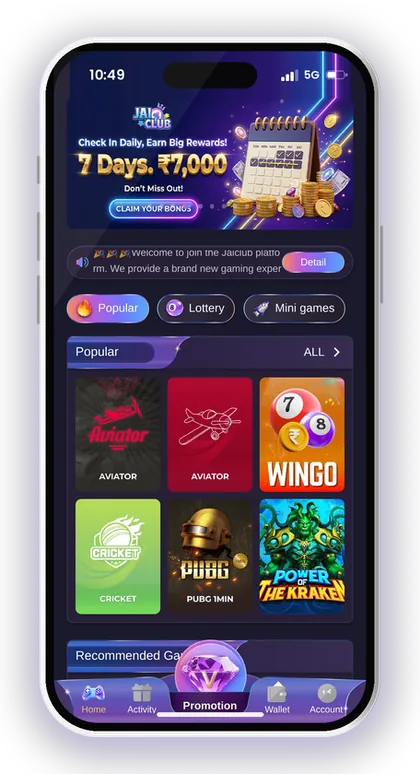
- Enter the phone number you registered with.
- Type a new password, then type it again to confirm.
- Tap Send to receive the OTP on your phone.
- Enter the OTP.
- Tick I have read and agree [Privacy Agreement].
- Tap Reset, then log in with the new password.
Smart Tip: Before reaching out to support about a missing OTP, make sure the number you are using is precisely the one you signed up with.
Fake Customer Care Agents And Jai Club Hack Scams
The homepage warns that customer service will never send links to members. A link from someone claiming to be support can lead to a hacked account or lost data. Always check the address through the Jai Club official website link before you log in anywhere.
The Add UPI screen gives a similar warning. Do not share OTPs, and do not send money to anyone who contacts you out of nowhere claiming to be support.
How To Spot A Fake Jai Club Customer Service Contact
Fake agents typically make the first move, approaching you on WhatsApp, Telegram or by phone. Genuine support answers only the messages you send from within your account. Anyone who wants your OTP, password or UPI PIN, or demands a "verification fee", is running a scam.
Another common trick is promising to speed up a stuck withdrawal if you pay a small amount first. No genuine support process asks you to pay to get your own money back. Block the contact and report it through Customer Service inside the app.
Why No Jai Club Hack Exists
There is no Jai Club Hack. Apps or Telegram groups selling one are scams. Win Go, K3, 5D and the other games produce random results, and no outside tool can see or change them.
People like this usually ask for a charge, your account details or a deposit routed through their own link. Once they have what they want, you lose your funds or your account, and support has no way to recover a payment you made to an unknown person. Play only with an amount you are prepared to lose.
Smart Tip: If a message says it is from support but arrived outside the app, assume it is fake until you confirm it through Customer Service.
Bonus, Gift Code And Agent Questions
Not every question needs the main support desk. Gift codes come from your superior agent, according to the app's own help notes. Ask the person who invited you before you contact general support about a code.
For referral and commission queries, contact Agent line customer service on the Promotion page. Commission for the previous day is calculated each morning starting 01:00, so it is normal for it to be missing before then, and there is no need to write in.
Timing explains some bonus issues. Invitation rewards land in your wallet balance within 10 minutes of claiming. Event bonuses you haven't claimed are wiped once the event is over. The Super Jackpot rules direct you to customer service for any questions, so capture a screenshot of the winning round before you write.
Smart Tip: Claim event bonuses as soon as they appear. Support cannot bring back a bonus that was cleared after the event ended.
Which Help Option Fits Your Problem
Picking the right place to ask saves a day of back-and-forth. Use the table below to match your issue to the first place you should check and the proof you should have ready.
| Problem | Go First To | Have Ready |
|---|---|---|
| Deposit not credited | Deposit history, then Customer Service | Order number, amount, UTR screenshot |
| USDT deposit missing | Customer Service | Transaction hash id, network |
| Withdrawal blocked | Withdraw screen rules | Remaining bet requirement, withdraw time |
| Wrong bank details | Customer Service | Correct account number and IFSC |
| Forgot password | Forgot password with OTP | Registered phone number |
| Gift code needed | Your superior agent | Your account ID |
| Commission question | Agent line customer service | Commission detail record |
App Issues And Getting A Faster Reply
Some "support problems" are really connection problems. A page that does not load or a Win Go timer that freezes can make a bet look lost when it was never placed. Check My history in the game before you report a missing bet.
Using the latest Jai Club App also cuts down on display errors that confuse players. You can get it from the download button at the top right of the homepage, or through the Jai Club app download page.
What To Do When The App Is Slow Or Not Loading
Switch between Wi-Fi and mobile data first, then restart the app. The Activity page also promotes installing 1.1.1.1 for a faster experience, which some players use when their network has trouble reaching the site.
If the problem continues, try the mobile website through the official link to see whether the issue is the app or your connection. Tell support which one fails, your phone model and what the screen shows. A message like "app not working" with no details gets a slow reply.
How To Get A Quicker Answer From Support
Send one complete message with your proof attached, then wait in the same chat. Opening several chats or repeating the same message usually puts you further back in the queue.
Be courteous and stick to the details: what happened, when, the amount, and the record number. If you feel stressed while waiting or are trying to win back a loss, stop playing for a while. Jai Club allows only players above 18, and the platform itself cautions that gambling can be addictive.
Smart Tip: Decide on a playing budget before you deposit and stop once you hit it, regardless of whether a support case is still open.
Your Questions Answered
How do I contact Jai Club customer care?
Log in, tap Account at the bottom and open Customer Service under the Service center. Write your problem in one message with the order number, amount, time and a screenshot.
Is there a Jai Club customer care number I can call?
No phone number is listed in the app. Help is given through the in-app Customer Service option. Treat any number you find on social media as unofficial.
My UPI deposit is not showing. What should I do?
Look at Deposit history and verify in your UPI app that the payment was successful. Neither cancel the order nor pay again. Share the order number, amount and UTR screenshot with Customer Service.
Will Jai Club support ever send me a link?
No. The platform says its customer service never sends links to members. Do not click a link from anyone claiming to be support, and verify the address through the official website.
I forgot my password. Do I need to contact support?
Usually not. Tap Forgot password, enter your registered phone number, set a new password, get the OTP and tap Reset. Contact customer service if the OTP never arrives.
Where do I get a gift code?
The app's help notes say to ask your superior agent for gift codes. Enter the code under Gifts on the Account page and tap Receive.
Can I register without an invite code?
No. You must fill the Invite Code field to register. When signing up with your phone number, type 385987864126 there.
More Pages For You
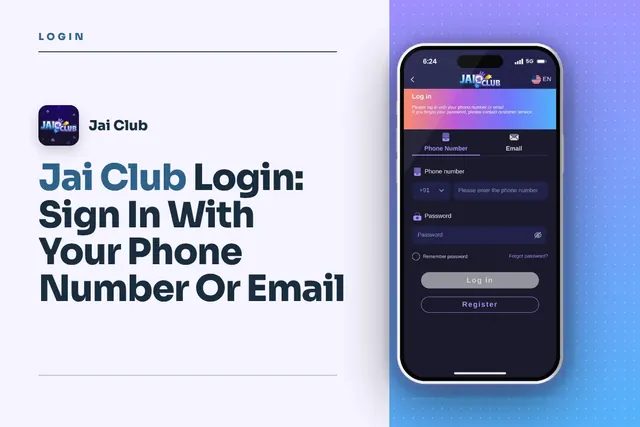
Jai Club Login with your +91 mobile number or email, reset a forgotten password via OTP, fix common sign-in issues and avoid fake links.
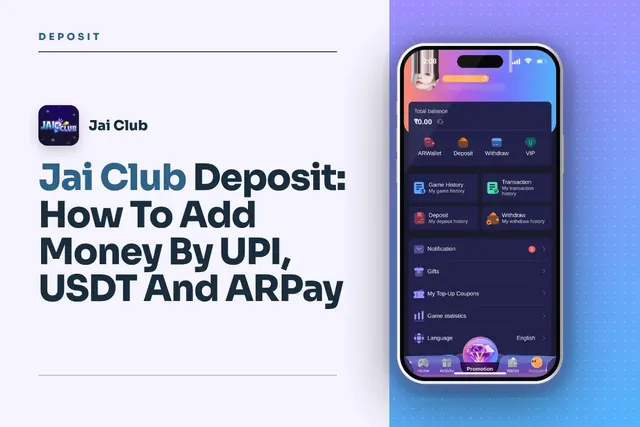
Jai Club deposit steps for UPI, USDT and ARPay, with the ₹100 to ₹50,000 UPI limits, USDT network tips and fixes when your recharge does not show.
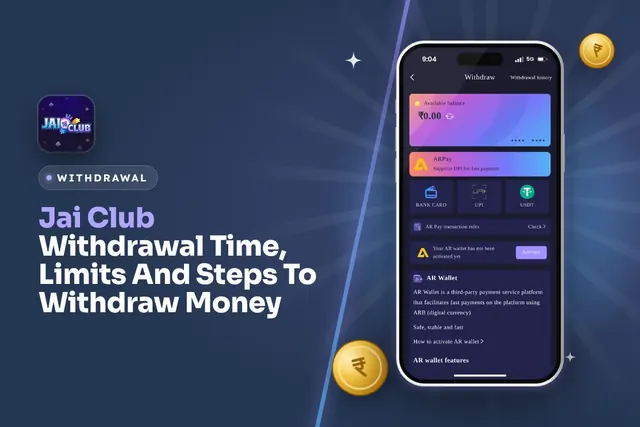
Jai Club withdrawal time and limits: UPI from ₹100, bank card from ₹110, USDT from ₹1,000, 3 withdrawals a day. Steps and fixes for pending requests.
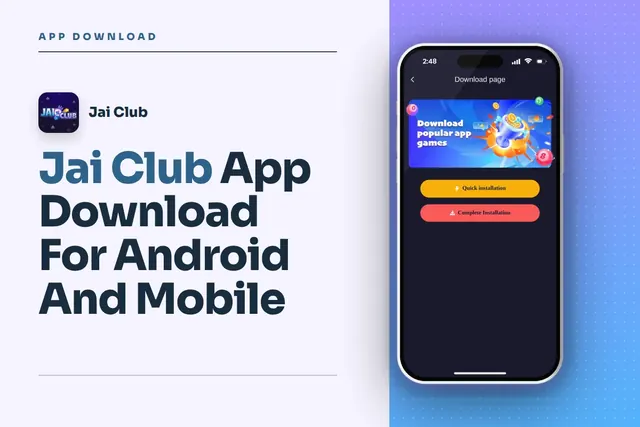
Jai Club app download steps for Android: find the button on the homepage, pick Quick or Complete Installation, register with invite code 385987864126.
Join Jai Club Today
Create your Jai Club account with the official link and the invite code applied.