
Jai Club Forgot Password: How To Reset It With OTP
If you have forgotten your Jai Club password, you can set a new one yourself with the Forgot password option. You enter the phone number you registered with, type a new password twice, request an OTP, enter it and tap Reset. The whole thing takes a few minutes if your SIM is in your phone.
Already logged in and just want a stronger password? That is a different route: Account, then Settings, then edit login password. Both are covered below, along with the password format the app expects and the cases where Customer Care is the faster fix.
One warning before you start. Your login password protects your Wallet balance and is also asked for when you withdraw money, so treat a reset as a security step, not just a quick fix.
- Reset Method
- Phone number + OTP
- Password Format
- 8+ characters, mixed letters, numbers
- Change When Logged In
- Account > Settings
- Login Options
- Phone number or email
Jump To Section
How To Reset Your Jai Club Password With OTP
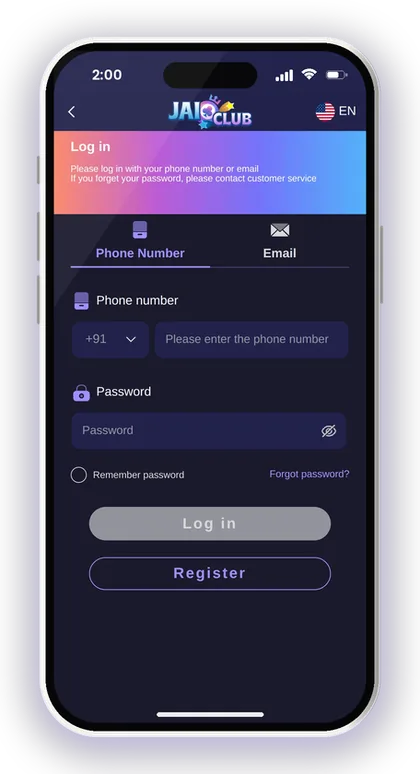
The Forgot password link sits on the login screen, just below the password box and next to Remember password. The reset works only with the phone number you registered, because that is where the OTP goes. Keep that SIM active in your phone before you start.
Most failed resets happen because people type a new password, wait too long, and then request the OTP. Fill the form calmly, but tap Send only when you are ready to type the code straight away.
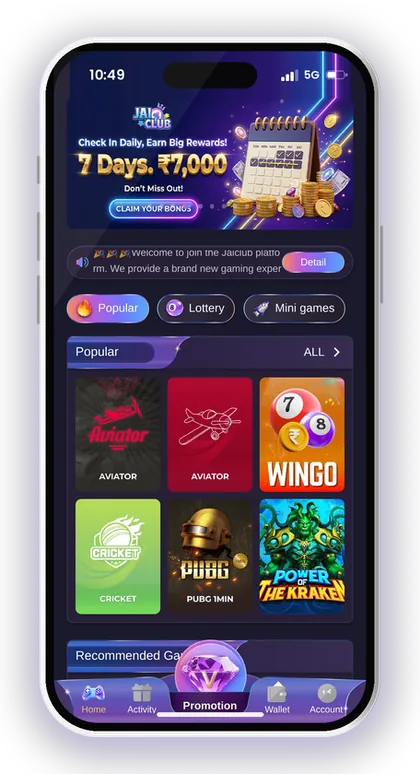
- Open the Jai Club website or app and tap the Account icon at the bottom.
- Tap Forgot password? on the login screen.
- Enter the phone number you registered with (India +91 is already selected).
- Type your new password.
- Type the same new password again in the second box.
- Tap Send to receive the OTP on your phone.
- Enter the OTP exactly as it arrives.
- Tick I have read and agree [Privacy Agreement].
- Tap Reset, then log in with the new password.
Smart Tip: Write the new password down somewhere private before you tap Reset, so a typo in your memory does not lock you out again.
Password Rules The App Expects
The app asks for a password of 8 characters made of capital letters, small letters and numbers. A password like Rahul2025 works the idea; something like 12345678 or rahulrahul will usually be refused or, worse, accepted and easy to guess.
Your login password is not just for getting into the app. The same password is entered whenever you submit a withdrawal request, so someone who learns it could attempt to take out your balance. For this reason, a strong password counts for much more here than it does on a social media account.
What Makes A Good Gaming App Password?
A good password mixes upper case, lower case and numbers, and has nothing to do with your phone number, name or date of birth. Those three are the first things a person who has your phone will try.
Here is an easy way to build one: pick a short phrase that is easy for you to recall, like a favourite place with a year, and turn a single letter into a capital. For instance, use Goa, then a random number, with one capital letter in the middle. Never reuse your UPI PIN or your bank password.
Common Mistakes When Setting A New Password
The most common mistake is the two boxes not matching because of auto-capitalisation on the phone keyboard. If your first letter becomes capital in one box and not the other, the reset fails without a clear reason.
Another mistake is choosing the old password again with one digit changed. If someone already knew your old password, a tiny change will not keep them out. Pick something properly new.
Jai Club Change Password From Settings (When Logged In)
If you still remember your current password and are logged in, you do not need an OTP. Go to the Account icon, press Settings, then edit login password. You type the old password once and the new one twice.
Changing it every few months is a sensible habit, and it is a must if you ever logged in on a friend's phone or a shared device. A Jai Club change password takes under a minute, which is far less painful than chasing a lost balance.
- Log in and tap the Account icon.
- Press Settings.
- Press edit login password.
- Enter your current login password.
- Enter the new login password.
- Re-enter the new login password.
- Press save changes.
Why Change The Password Even If Nothing Is Wrong?
Because you often cannot tell when a password has leaked. If you once typed it on a cyber cafe computer, or a cousin watched you log in, that copy is still out there.
Changing it also logs the habit of checking Settings, where you can confirm your details are still correct. A quick look costs nothing and can catch problems early, before they reach your Wallet.
What If The Old Password Is Rejected?
If the app says your old password is wrong while you are logged in, you are probably remembering an older one. Stop after two or three tries rather than guessing again and again.
Log out and use the Forgot password route with OTP instead. That replaces the password without needing the old one, so you are not stuck.
When The OTP Does Not Arrive
A missing OTP is the top reason a reset stalls. Usually the cause is on the phone side: weak network, a full SMS inbox, DND settings or a SIM that is not in the phone you are using.
Wait a short while before tapping Send again. Pressing it five times in a row can send several codes, and then you type an old one and the reset fails.
Quick Checks Before You Request Another Code
First confirm the number on screen is the exact one you registered with, with no extra zero at the start. The +91 code is already chosen, so type only the 10 digits.
Then check signal, turn airplane mode on and off once, and look in any spam or promotions folder in your SMS app. Dual-SIM users should check that the right SIM is active for messages.
If You No Longer Have The Registered Number
Without the old SIM, the OTP route cannot work, because the code only goes to that number. This is the case where you should contact Customer Care rather than trying again.
Should your password slip your mind, the login page points you to customer service, so reach out to them. Have your registered mobile number and any account information they request at hand.
Smart Tip: Never share your OTP with anybody, not even someone who says they work for support.
When To Contact Jai Club Customer Care Instead
Self-reset is faster for most people, but some cases need a human. Reach out through Jai Club customer care or the Customer Service option in the Account menu when the OTP route cannot fix your problem.
Keep messages short and clear: your registered phone number, what you tried, and what error you saw. Support teams solve clear tickets faster.
- You lost or changed the SIM you registered with.
- The OTP never arrives after several careful tries.
- You see a login or withdrawal you did not make.
- You registered by email and the phone reset does not match.
- Your saved bank or UPI details look changed.
Smart Tip: Jaiclub customer service does not send links to members. If a message carries a link and says it is from support, simply ignore it.
Logging Back In After A Password Reset
Once you tap Reset, return to the Jai Club login page and sign in using your phone number (or your email, if you registered with it) along with the new password. Remember password can be ticked on your personal phone, but do not use it on a device that others share.
If you use an iPhone, it helps to add the Jai Club web app to your home screen so you always open the same address. Typing the address fresh each time is how people land on look-alike sites.
Should You Tick Remember Password?
Only on a phone that is yours and has a screen lock. Remember password saves time, but anyone who picks up an unlocked phone then has direct access to your account.
On a family phone, leave it off. Typing the password each time is a small cost compared with someone else placing bets from your balance.
Still Locked Out After The Reset?
Check the obvious things first: keyboard caps lock, the extra space some keyboards add after a word, and that you picked Phone Number or Email correctly on the login screen.
If it still fails, do one more reset with a simpler but still strong password, then contact support if that also does not work. Repeated random guessing only wastes time.
Protect Your Withdrawals After A Jai Club Password Reset
Your login password is asked for when you withdraw, so a reset is a good moment to check your payout details. Open the Withdraw page and confirm your bank account, UPI ID or USDT address is still the one you added.
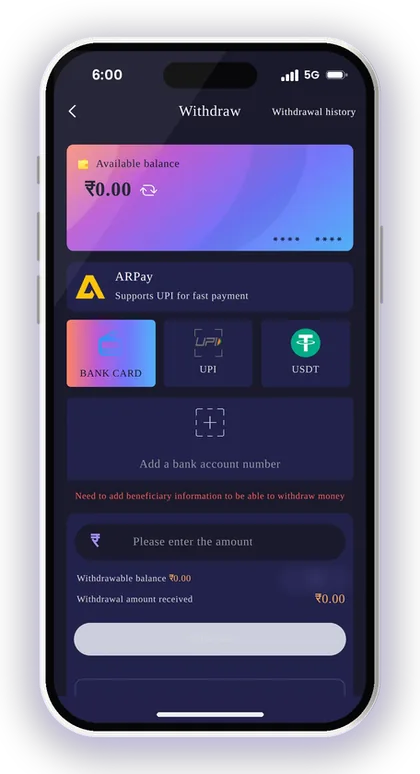
Remember that once your first withdrawal account is saved, the name on it is locked, and every withdrawal method you add later must match that name. If you haven't done it yet, go through the steps to bind your bank account for your first withdrawal well ahead of the time you need your money.
Signs Someone Else Used Your Account
Look at My transaction history and My withdraw history in the Account menu. A withdrawal you did not request, or a new payout method you did not add, is a clear warning.
If you see either, change the password immediately and contact support with the details. The faster you report it, the better the chance of stopping a pending request.
No Jai Club Hack Can Recover A Password
There is no Jai Club hack, recovery tool or app that can open an account or reset a password for you. Apps and Telegram groups that claim this are scams built to collect your phone number, OTP and money.
The only real routes are the Forgot password form, Settings, and customer support. Anyone asking for your OTP to 'unlock' your account is trying to take it.
Smart Tip: Also follow the advice shown on the UPI page itself: your phone number should not be used as your UPI ID.
New To The Jai Club App? Set A Strong Password From Day One
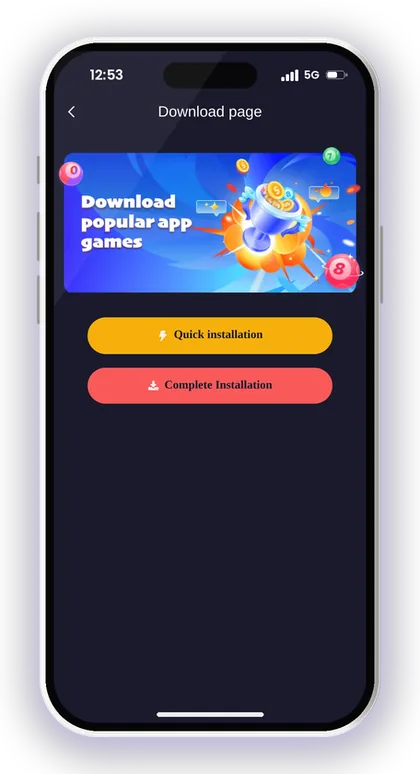
If you do not have an account yet, the same password rules apply while signing up. On the Jai Club sign up page, enter your phone number, create a password, confirm it, and type 385987864126 in the Invite Code field, which must be filled to register.
Then you tap Send for the verification code, enter it, agree to the Privacy Agreement and tap Register. Choosing a strong password here saves you from a reset later.
- Open the Register page and choose phone number.
- Enter your 10-digit mobile number.
- Set a password with capital letters, small letters and numbers.
- Confirm the password.
- Enter 385987864126 in the Invite Code field.
- Tap Send and enter the verification code.
- Tick I have read and agree [Privacy Agreement] and tap Register.
Smart Tip: Since this is a real-money platform open only to players who are 18 or older, decide on a spending limit and stick with it. For further account-related guidance, visit the Jai Club blog.
Your Questions Answered
How do I reset my Jai Club password if I forgot it?
Tap Forgot password on the login screen, enter your registered phone number, type a new password twice, tap Send for the OTP, enter it, agree to the Privacy Agreement and tap Reset. Then log in with the new password.
What password format does Jai Club accept?
Make it 8 characters long, mixing capital letters, small letters and numbers. Do not include your name, phone number or date of birth.
How do I change my password when I am already logged in?
Go to Account, then Settings, then edit login password. Enter your current password, the new one twice, and press save changes.
What if I do not receive the OTP?
Check the number has no extra digits, your signal is good and the right SIM is active. Wait a little before requesting again; if it still does not arrive, contact customer service.
I lost my registered SIM. Can I still reset my password?
The OTP only goes to the registered number, so the self-reset will not work. Contact customer service with your account details for help.
Can a hack app recover my Jai Club account?
No. Such apps are scams that steal OTPs and money. Use only the Forgot password form, Settings or customer support.
Will support send me a reset link?
Customer service never sends links to members. Do not click any link from someone claiming to be support.
More Pages For You
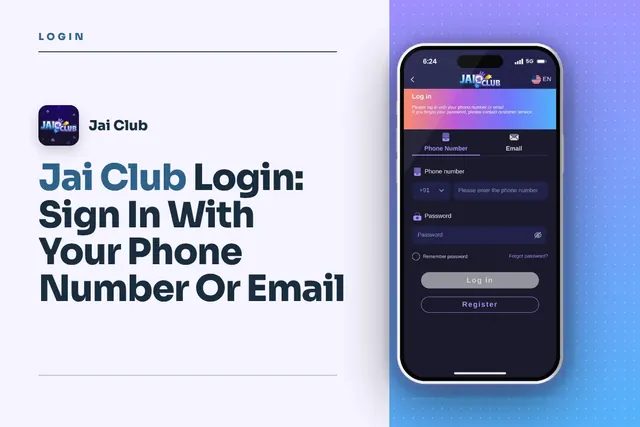
Jai Club Login with your +91 mobile number or email, reset a forgotten password via OTP, fix common sign-in issues and avoid fake links.
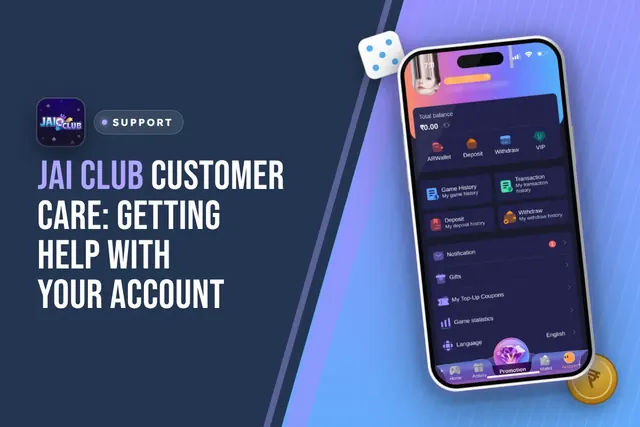
Jai Club customer care: where to find Customer Service in the app, what to send for deposit or withdrawal issues, login help and fake agent warnings.
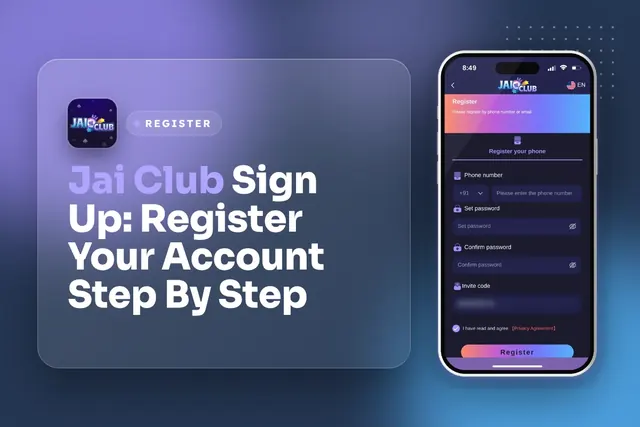
Jai Club sign up steps: phone number, OTP, strong password and invite code 385987864126. Fix common registration errors and keep your account safe.
Jai Club first withdrawal steps: bind your bank account with the right name and IFSC code, check the ₹110 minimum, clear remaining bet and send your request.
Join Jai Club Today
Create your Jai Club account with the official link and the invite code applied.